
Documenting my computer build of 2026.
Many thanks to my friend who generously paid for some of these parts.
I will use Linux for this build.
Components
I researched components for a long time to design this computer. Then I searched for bargains. The parts were purchased at various times when I found good prices. My friend lives near a MicroCenter and would get parts there when I found good prices or bargains that were only in store.
 |
 |
 |
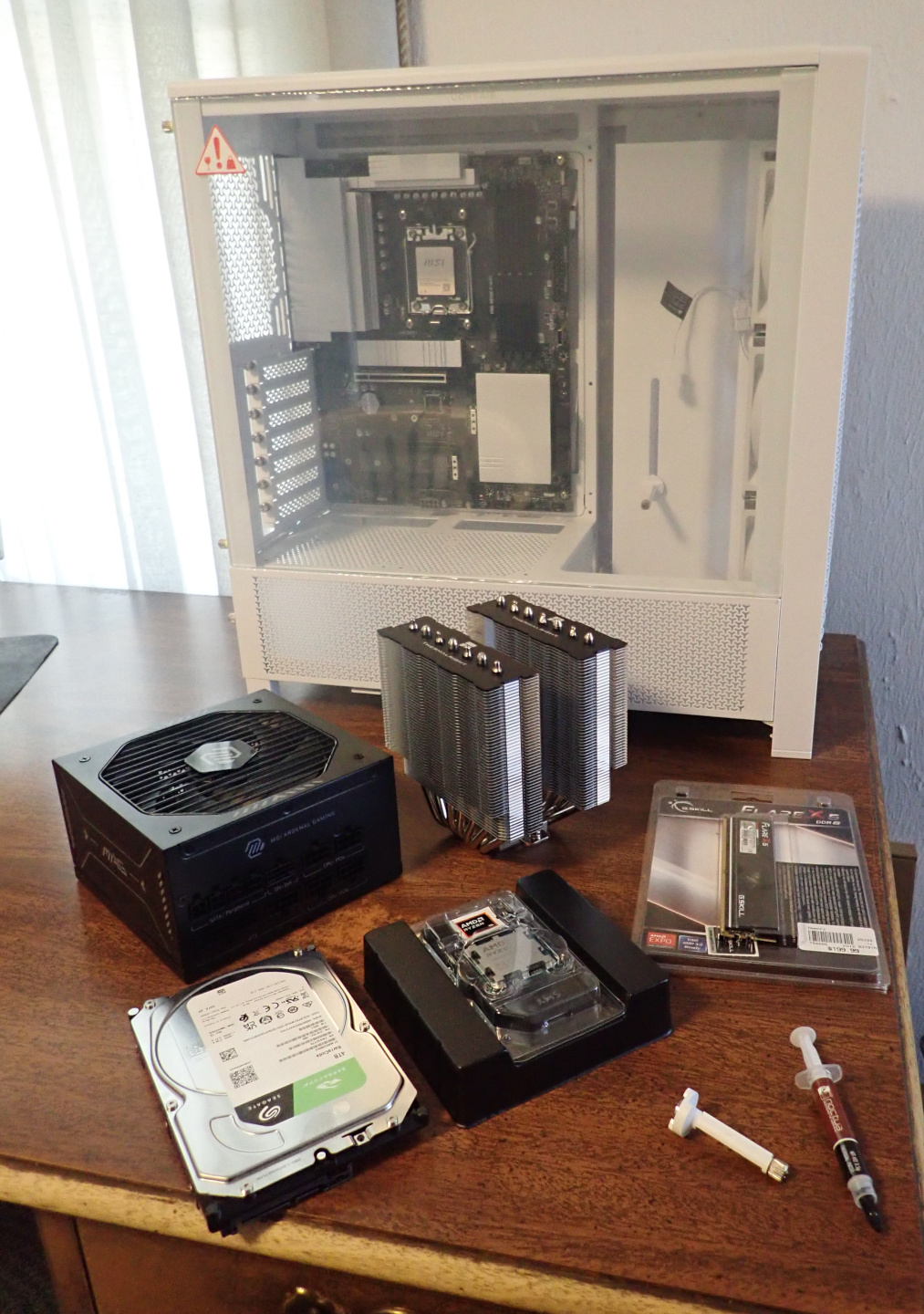 |
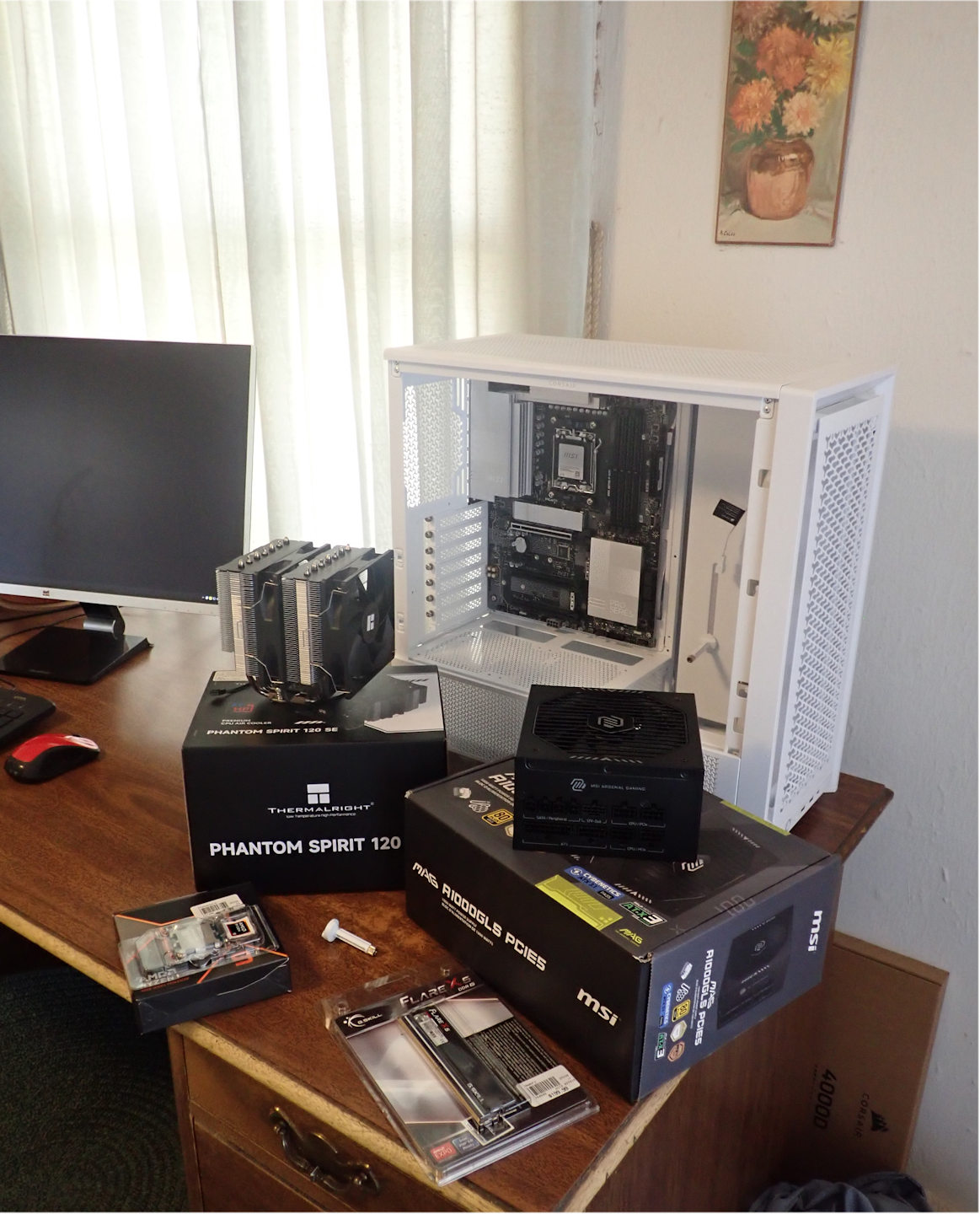
CPU: AMD Ryzen 9 9900X
Motherboard: MSI X870E-P PRO
Memory: G.Skill Flare X5 16GB
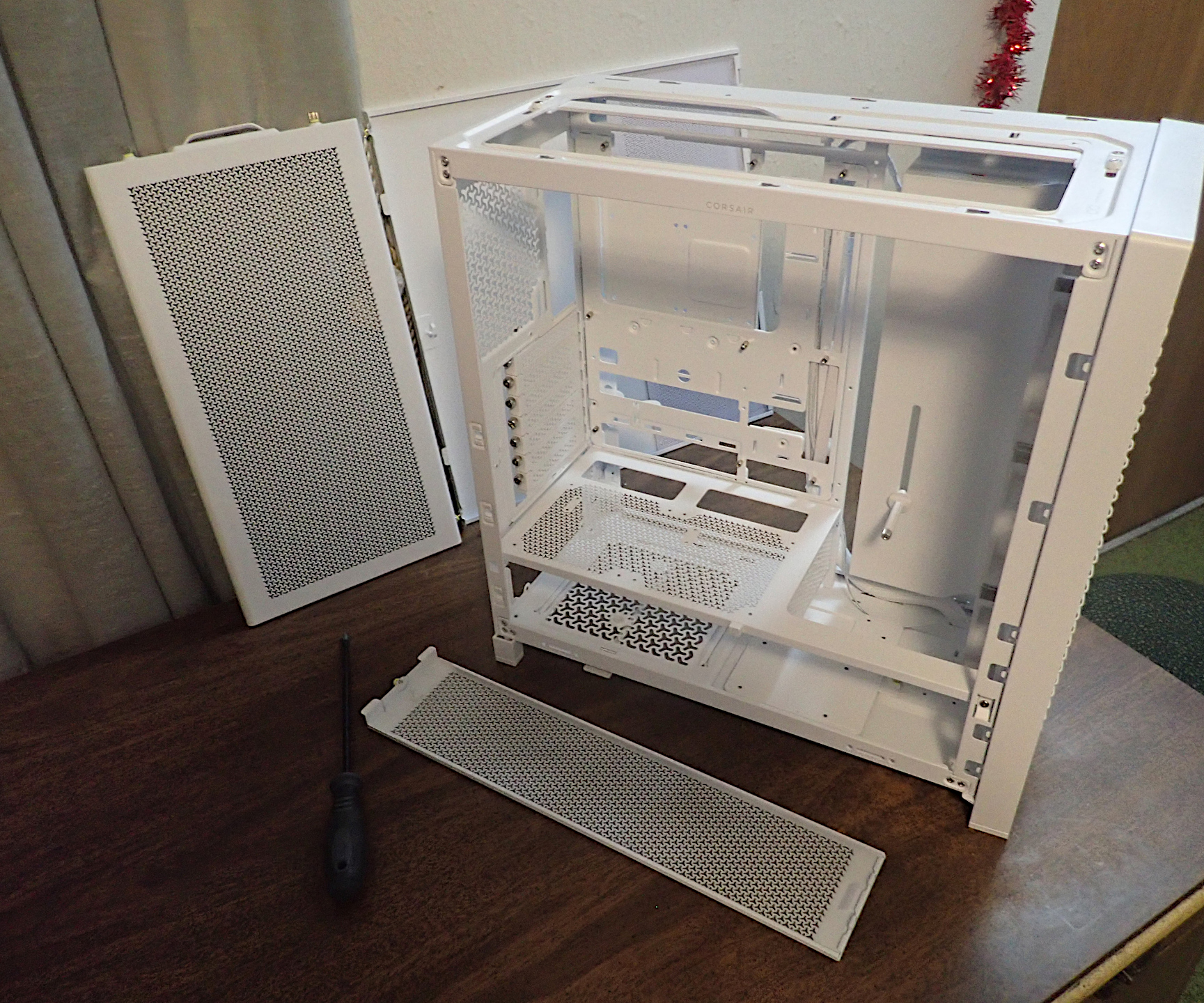
Case: Corsair Frame 4000D RS - Ordered from Corsair
CPU cooler: Thermalright Phantom Spirit 120 SE
Power Supply: MSI Mag A1000GLS pcie5
GPU support post: - Ordered from Corsair
Hard Drive: Seagate BarraCuda 4 terabytes
Thermal Paste: Noctua NT-H2
I planned to get an 850 watt power supply but this 1000 watt one will be more future proof.
This is the time of Ram-mageddon when memory prices soared. I'll get more memory when it returns to normal pricing.
The case came with one GPU support post. I have two GTX 1070 TI's so I got another one. They aren't heavy but a support can prevent damage to the PCIE slots.
Mar. 21, 2026
CPU Installation
The CPU, central processing unit, IS the computer. It is the system's brain. It computes, controls the other components, and is supported by them. It is the most expensive part of the computer.
Placing the CPU on the motherboard is simple but critical. Open the CPU socket. Place the CPU in the socket. Close the socket. For this and other components installed on the motherboard the board is out of the case resting horizontally on a box.
|
CPU top and bottom |
Open Socket |
CPU in Socket |
Retainers Closed |
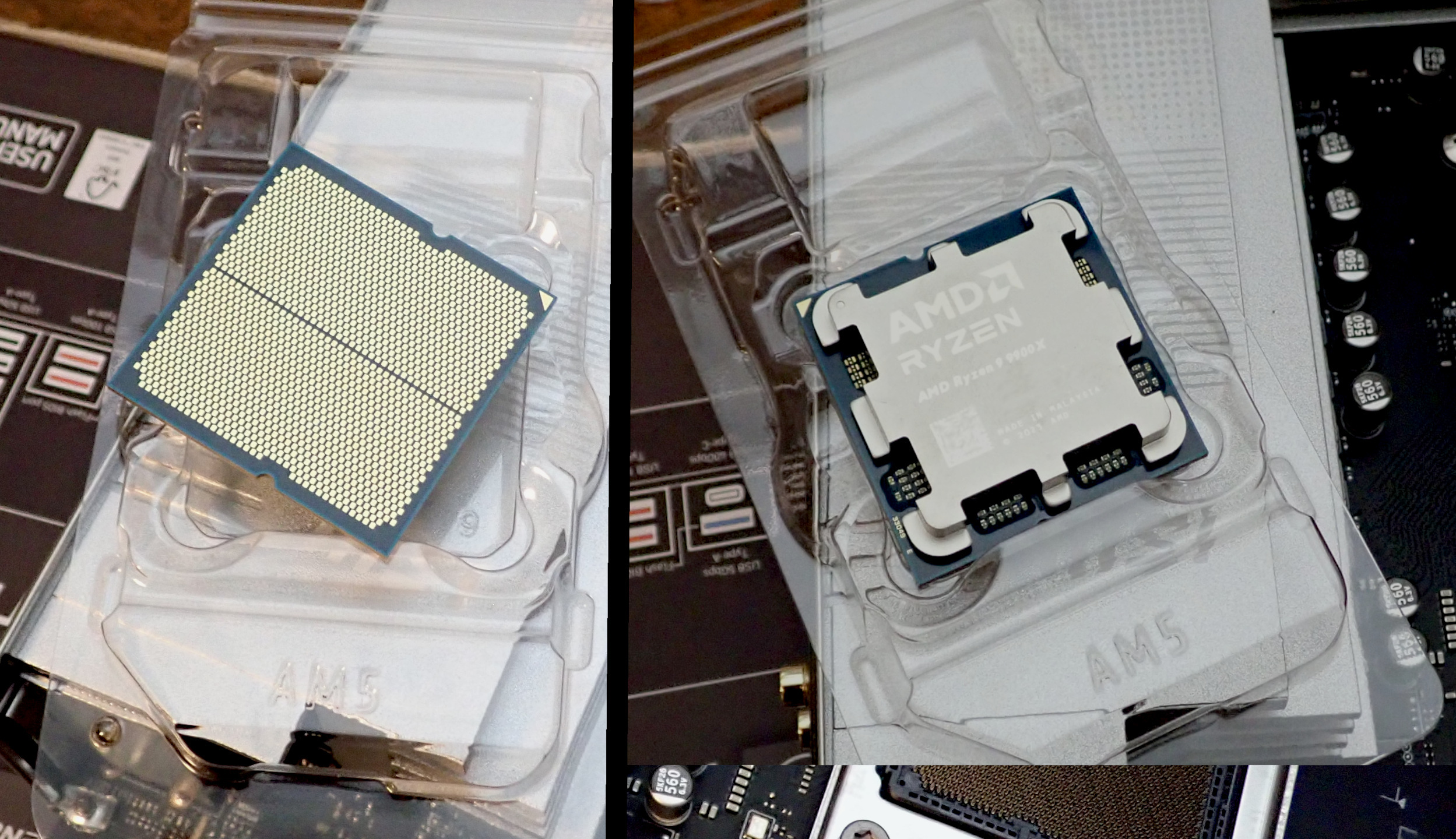
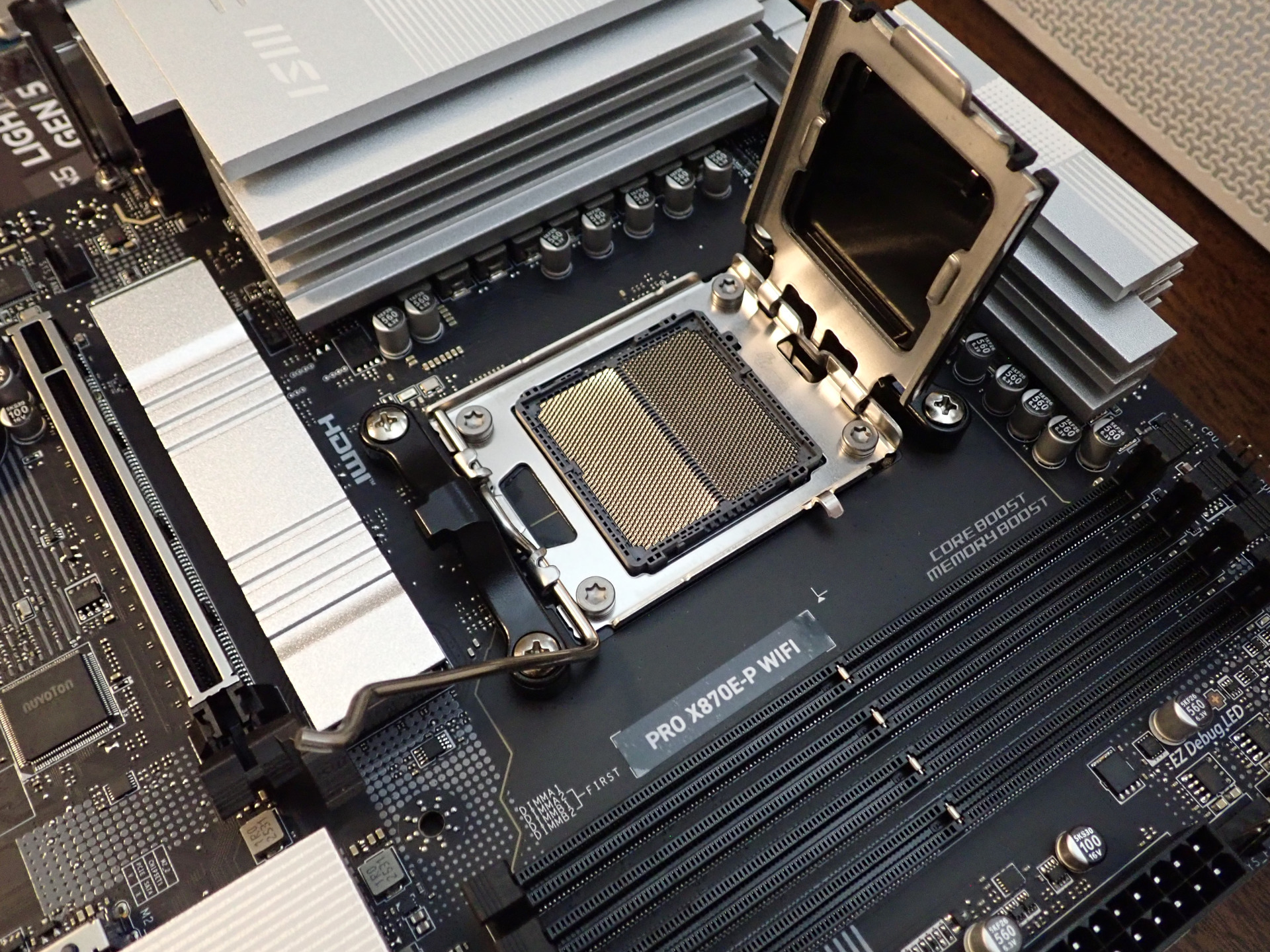
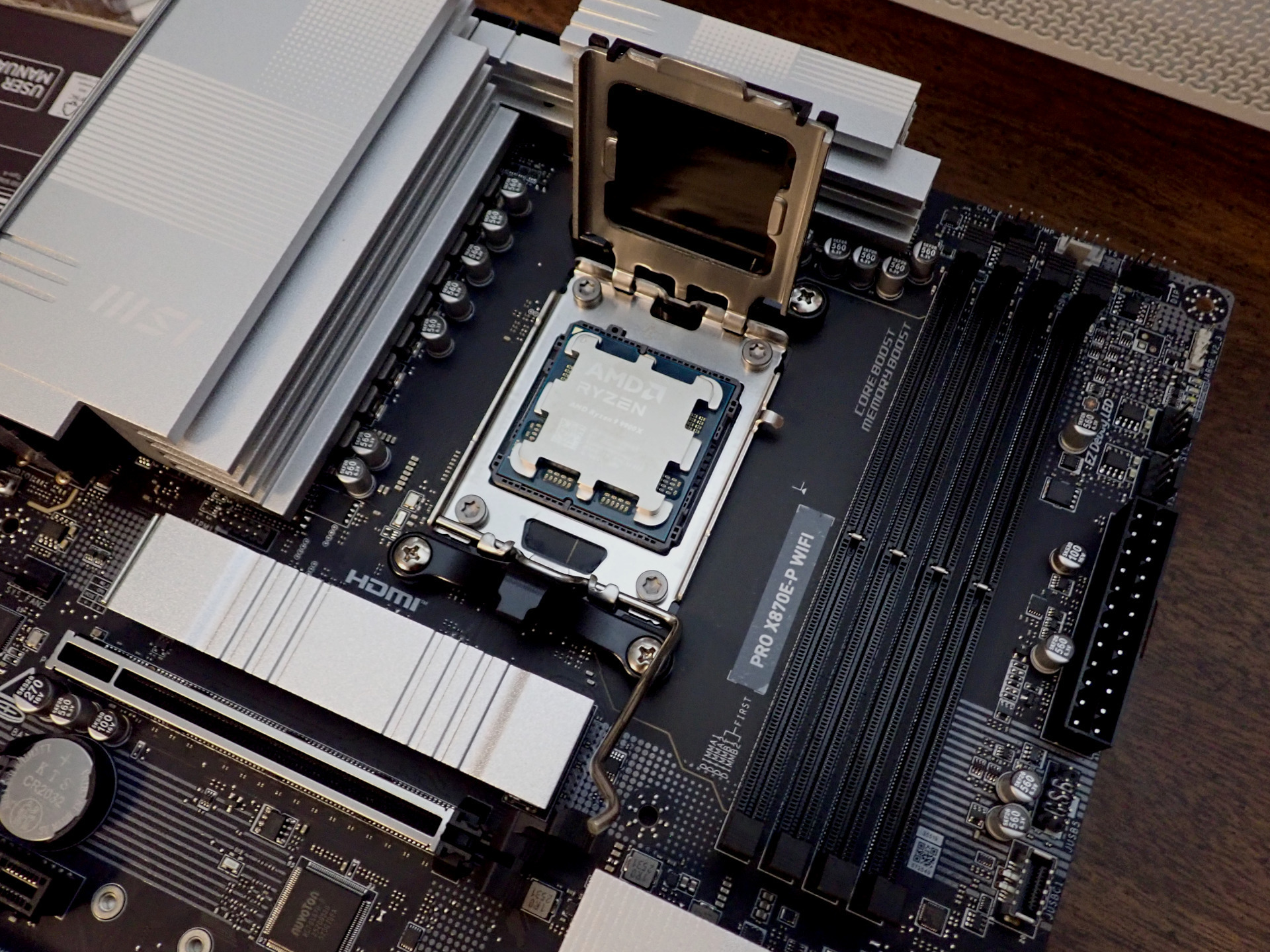
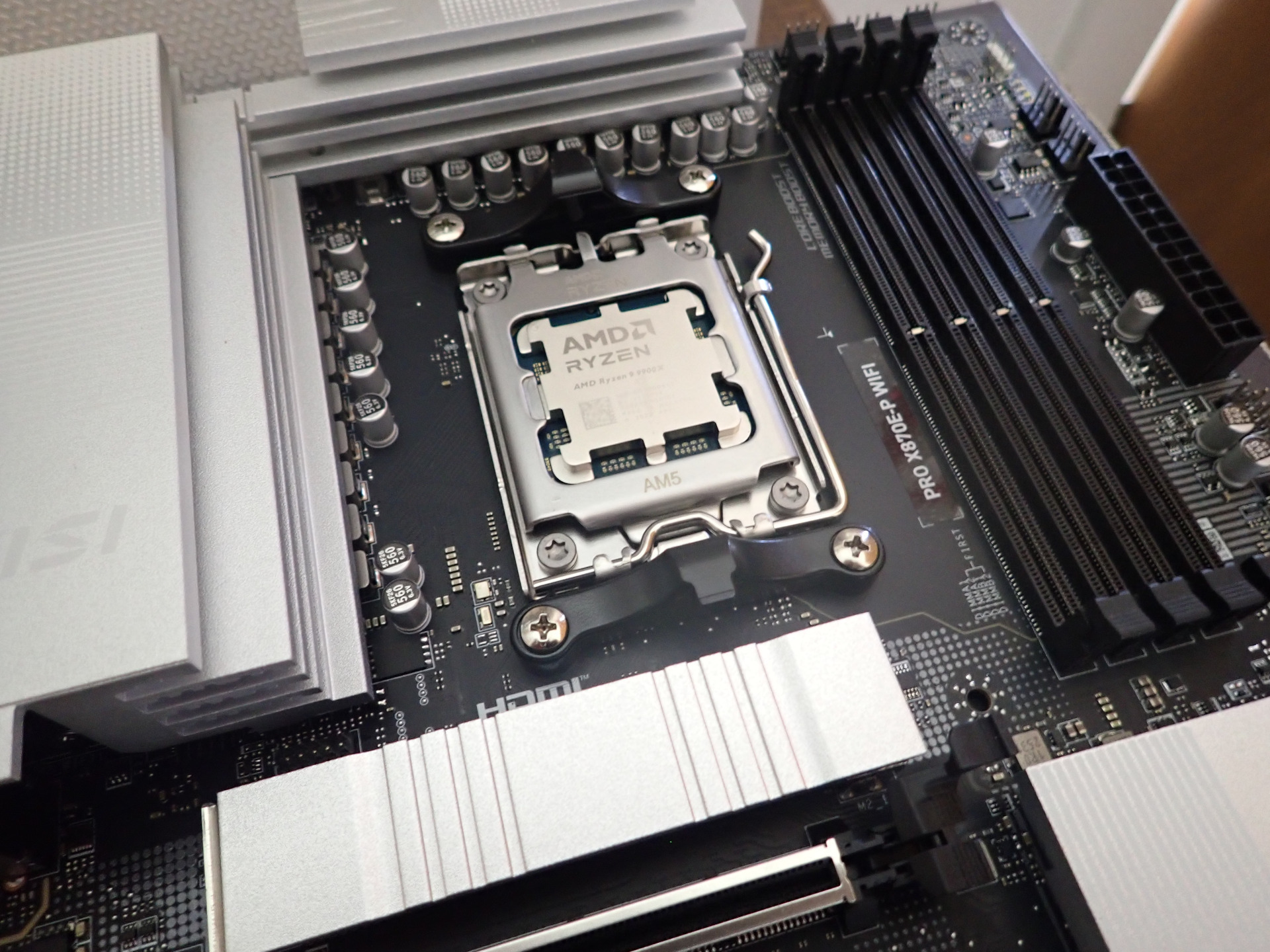
The top of the CPU is flat. This surface will pass heat to the cooler. Triangles on the top and the socket must be aligned to orient the CPU correctly.
The bottom has a grid of many gold pads. These pads will touch a grid of pins in the CPU socket. These connections are how the CPU communicates and gets power. Damaging a pin or pad could be disastrous.
I chose this CPU because it is fast and thermally efficient. It is one of the fastest that can be air cooled. It has 12 cores at 4.4 GHz and can turbo to 5.6 GHz.
Mar. 30, 2026
Cooler Installation
Memory Installation
CPU's get hot. There are many ways to cool them. Air coolers dissipate heat through cooling fins. Water coolers work like the radiator/water/pump/fan in your car.
I chose an air cooler because it is cheap, has no water to leak, and if its fans stop it still acts as a radiator.
|
Cooler Closeup |
Cooler Parts and Paste |
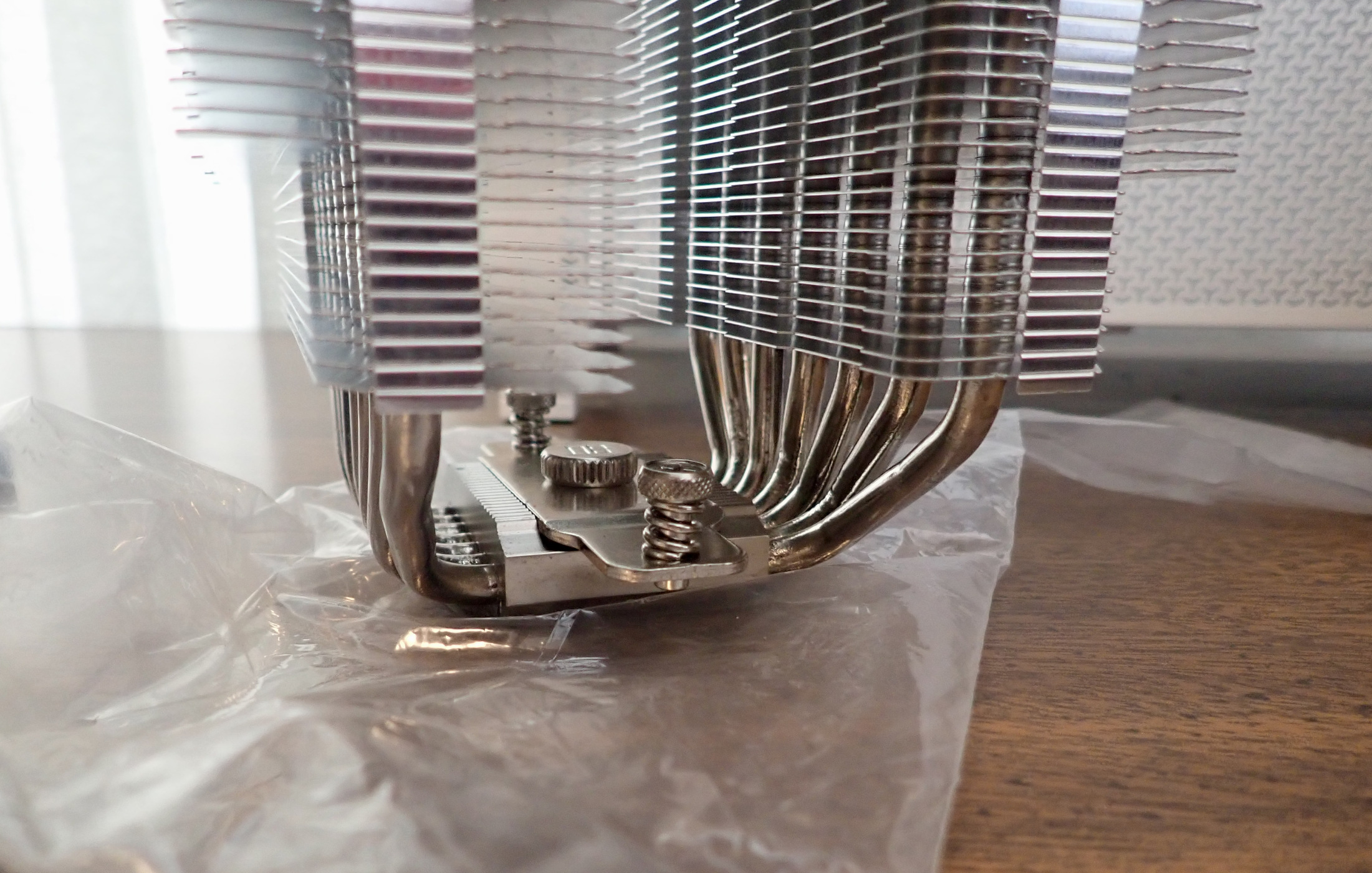
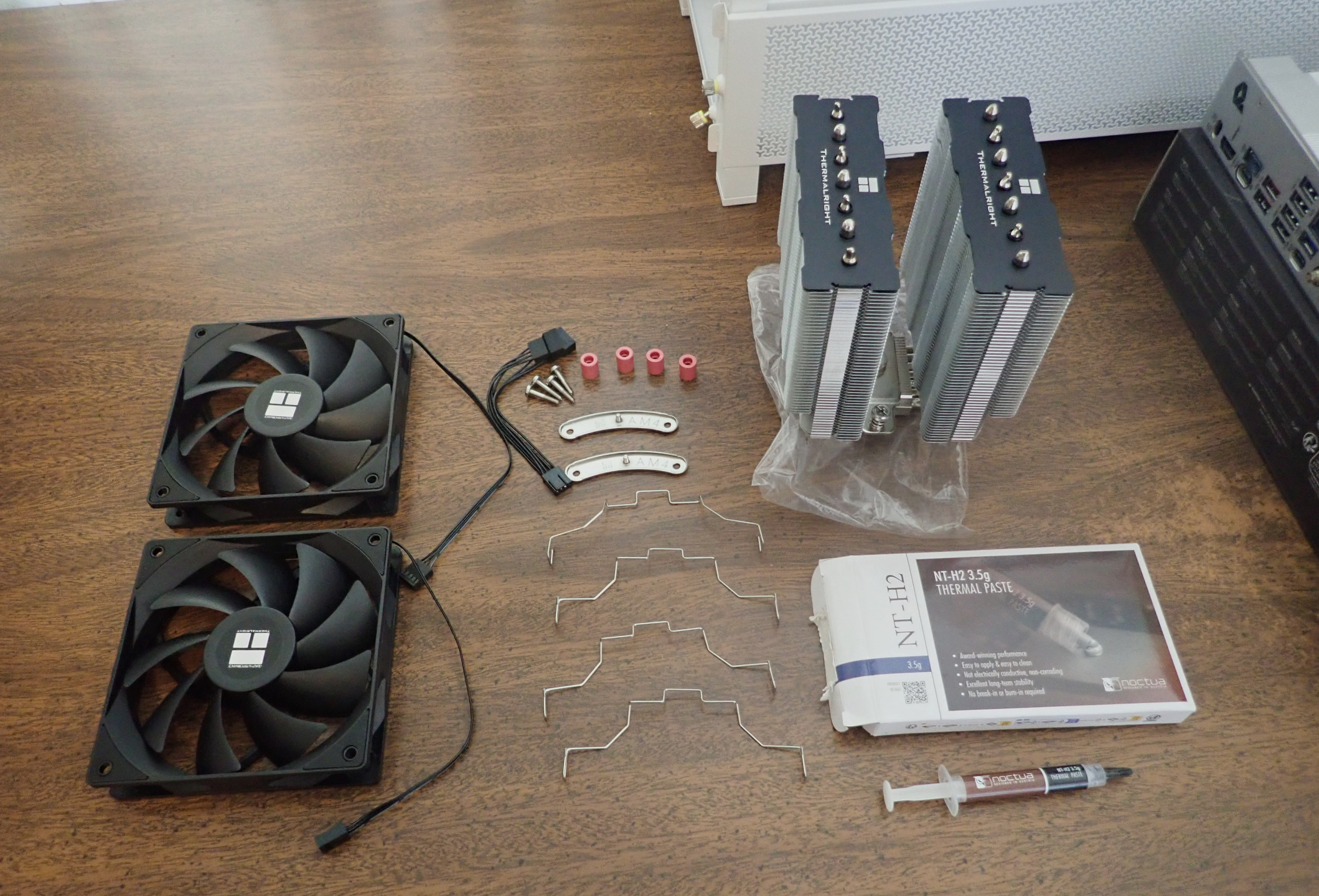
Heat is transferred to the cooling fins. Fans blow air through the fins.
In more detail:
- Heat is absorbed from the CPU into the plate on the bottom of the cooler.
- This heats a liquid, usually ammonium and alcohol, in the pipes.
- The liquid evaporates and moves up the pipes heating the cooling fins.
- Fans blow air through the fins cooling them and removing heat from the system.
- The liquid condenses and goes back to the bottom.
|
Stock Brackets |
Spacers |
Mounting Bracket |
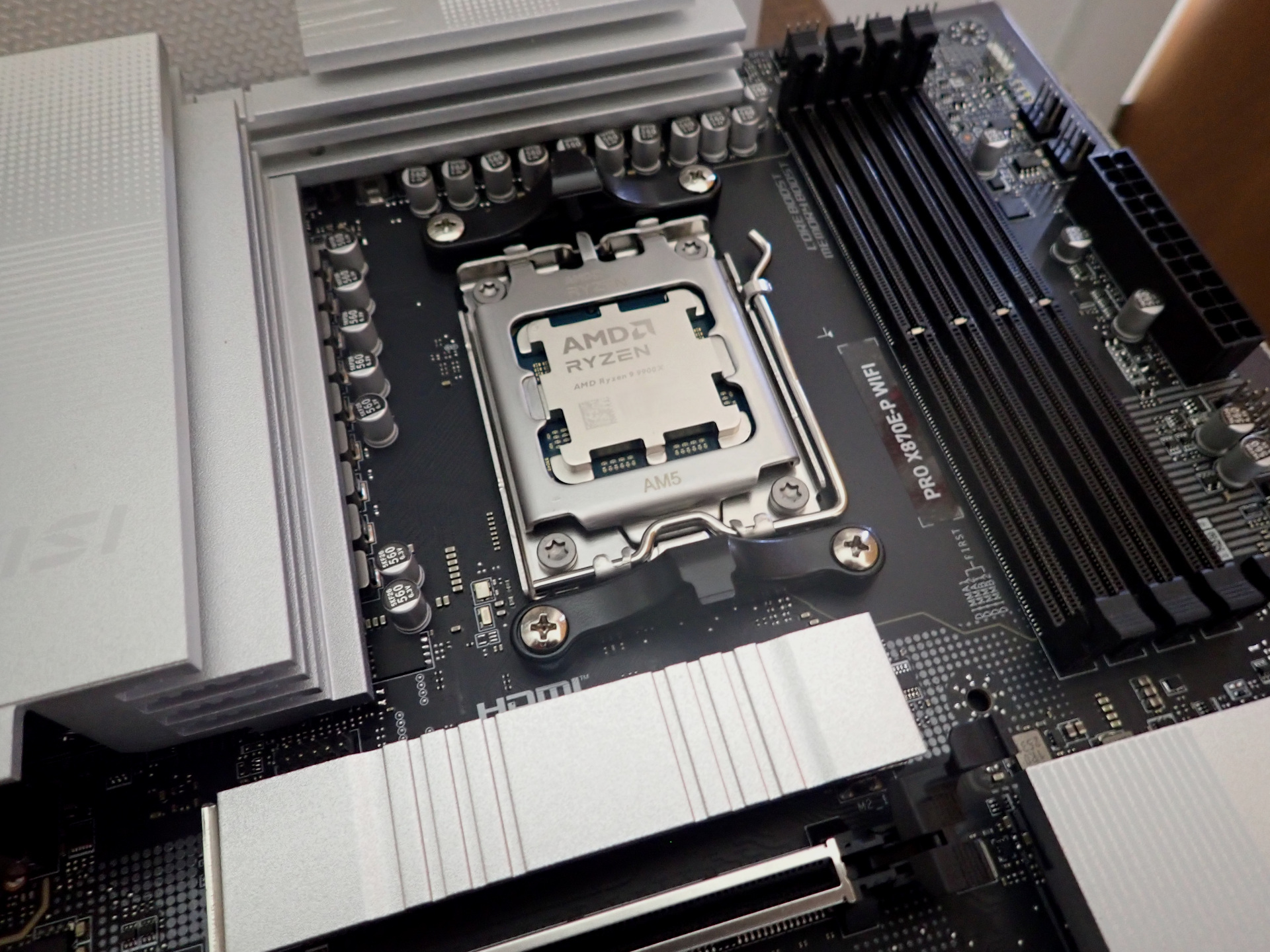
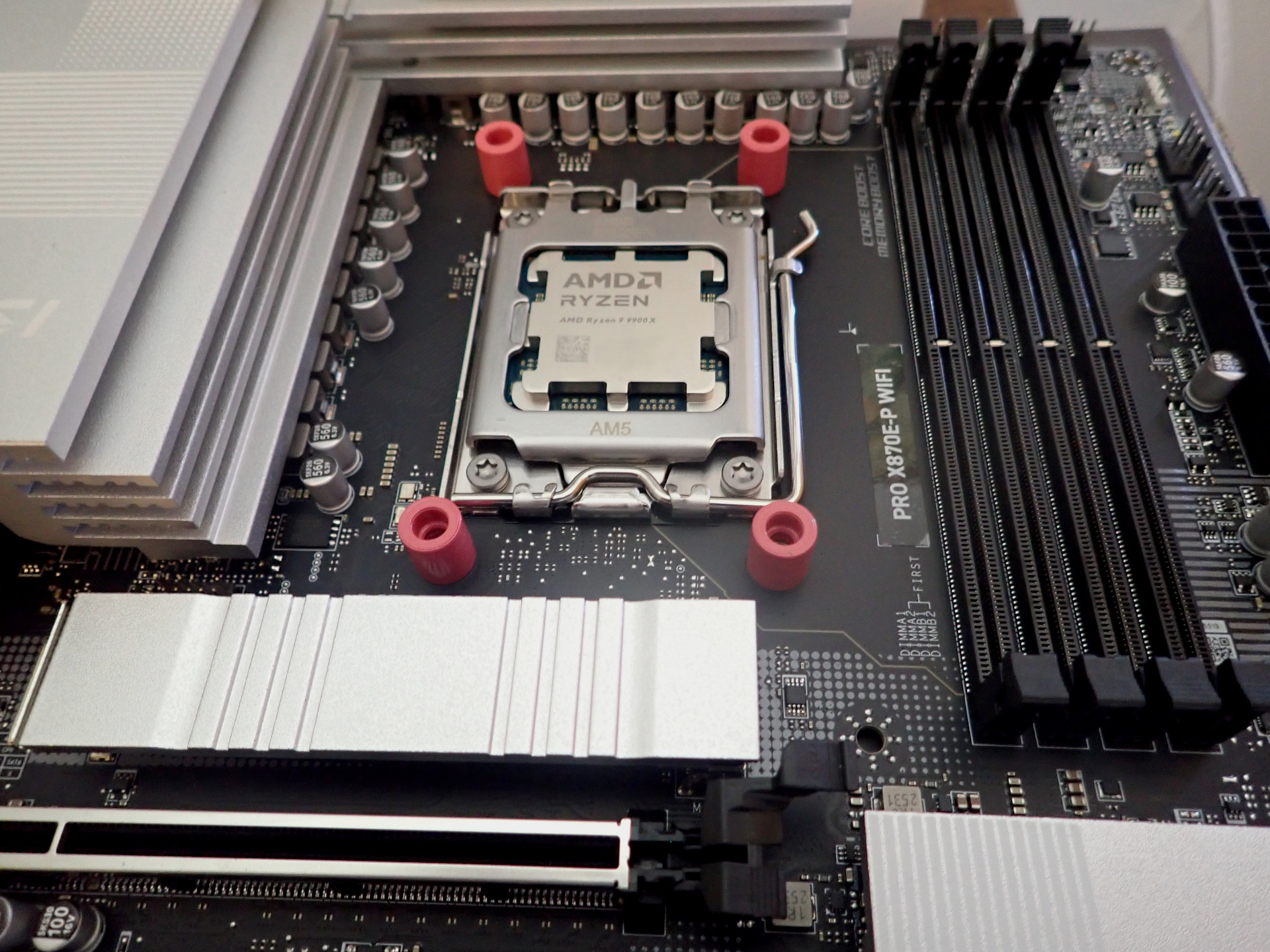
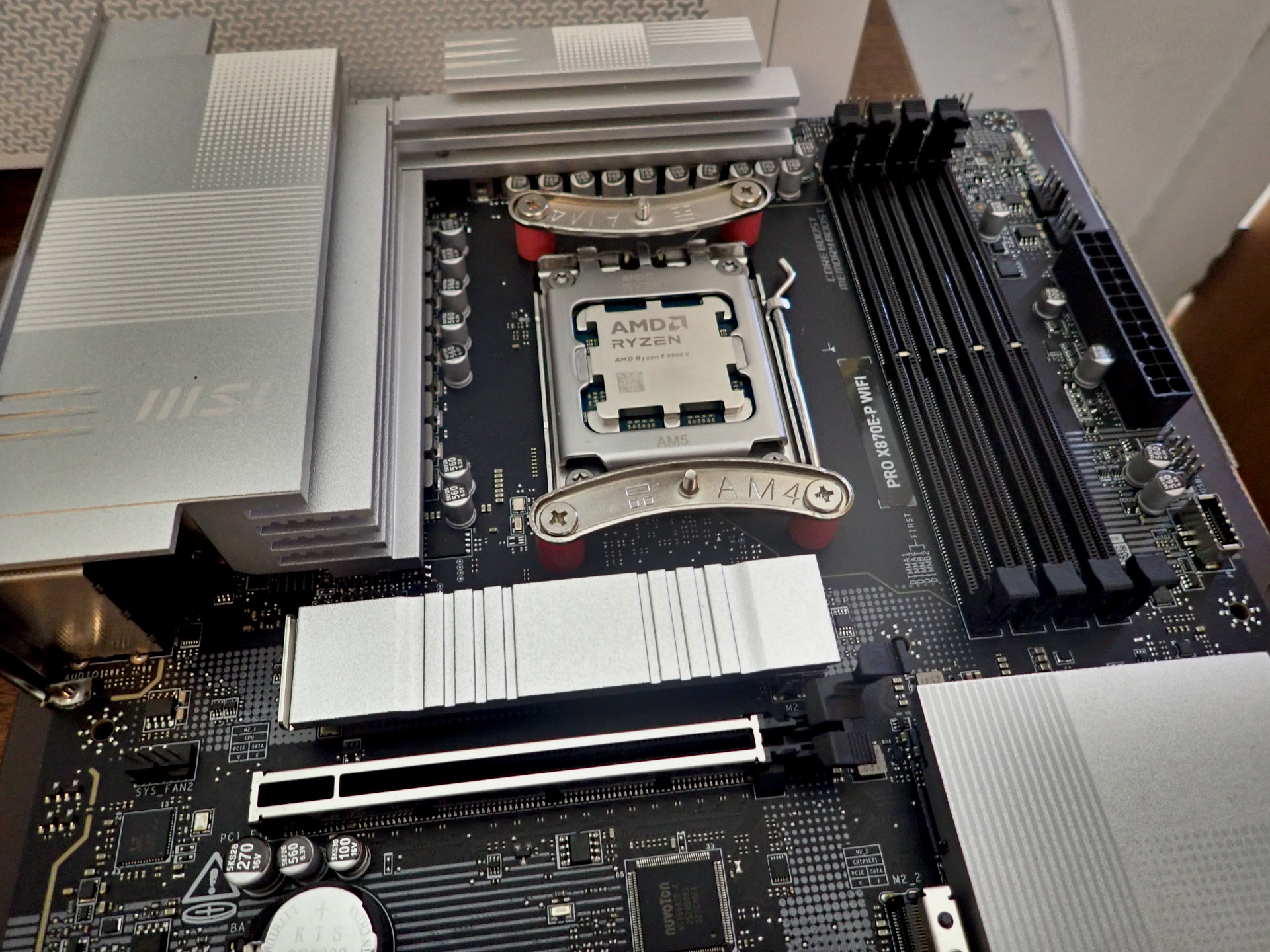
The motherboard has stock brackets for a cooler. They are removed and spacers and brackets for this cooler installed.
|
Bottom of Cooler |
Thermal Paste and Cleaning Pad |
Paste on CPU |
Paste Spread |
Cooler Installed |
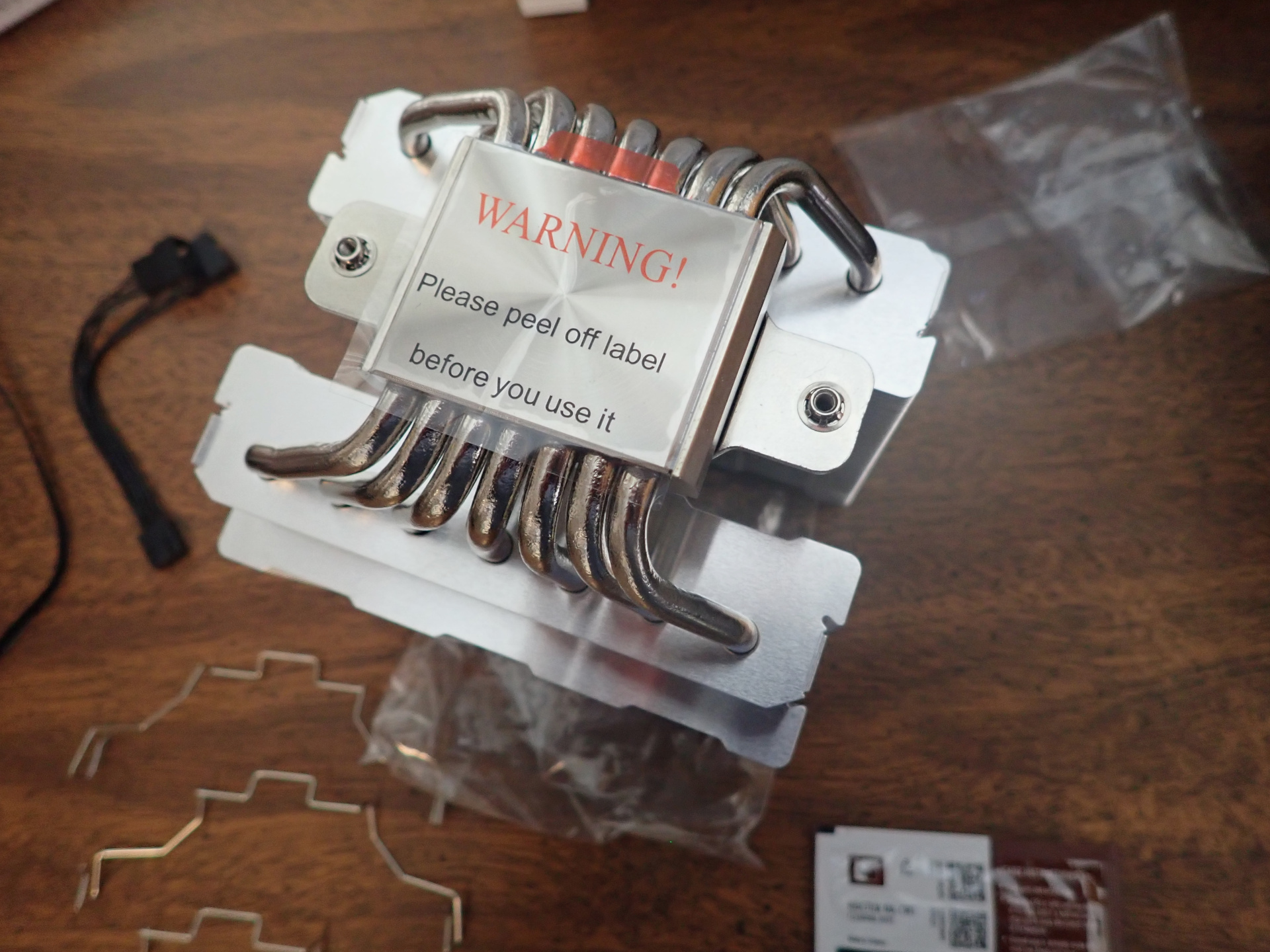
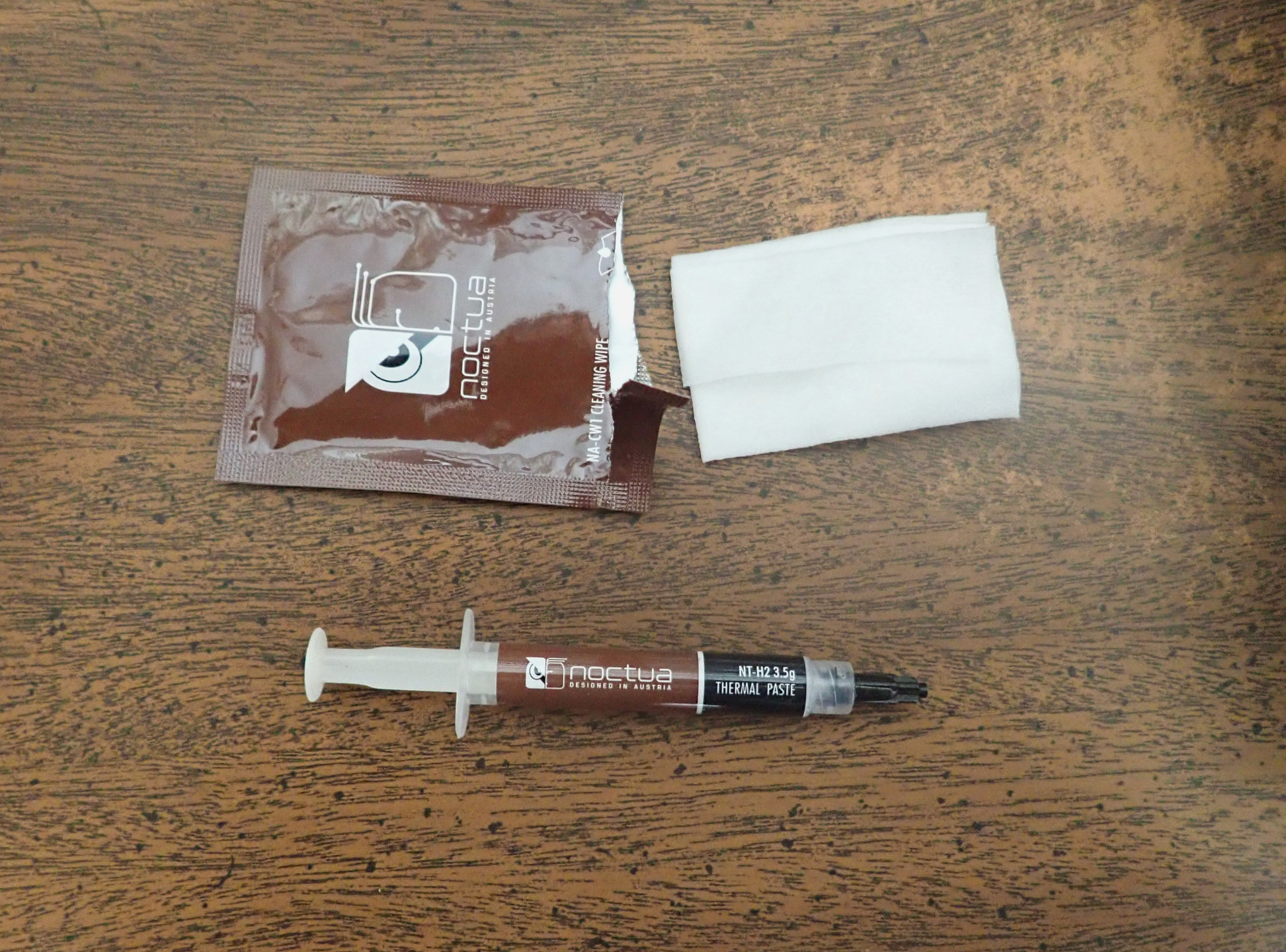
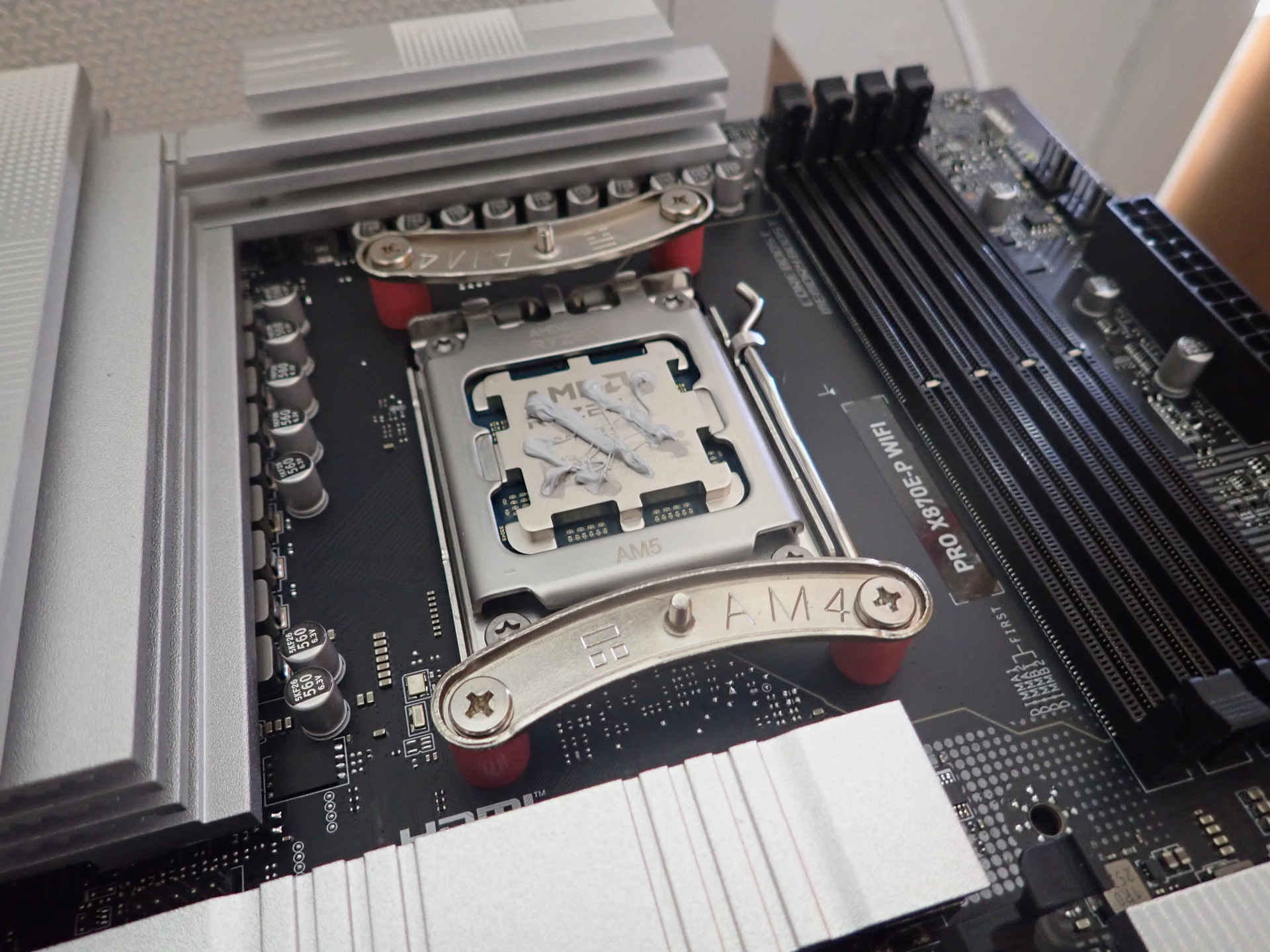
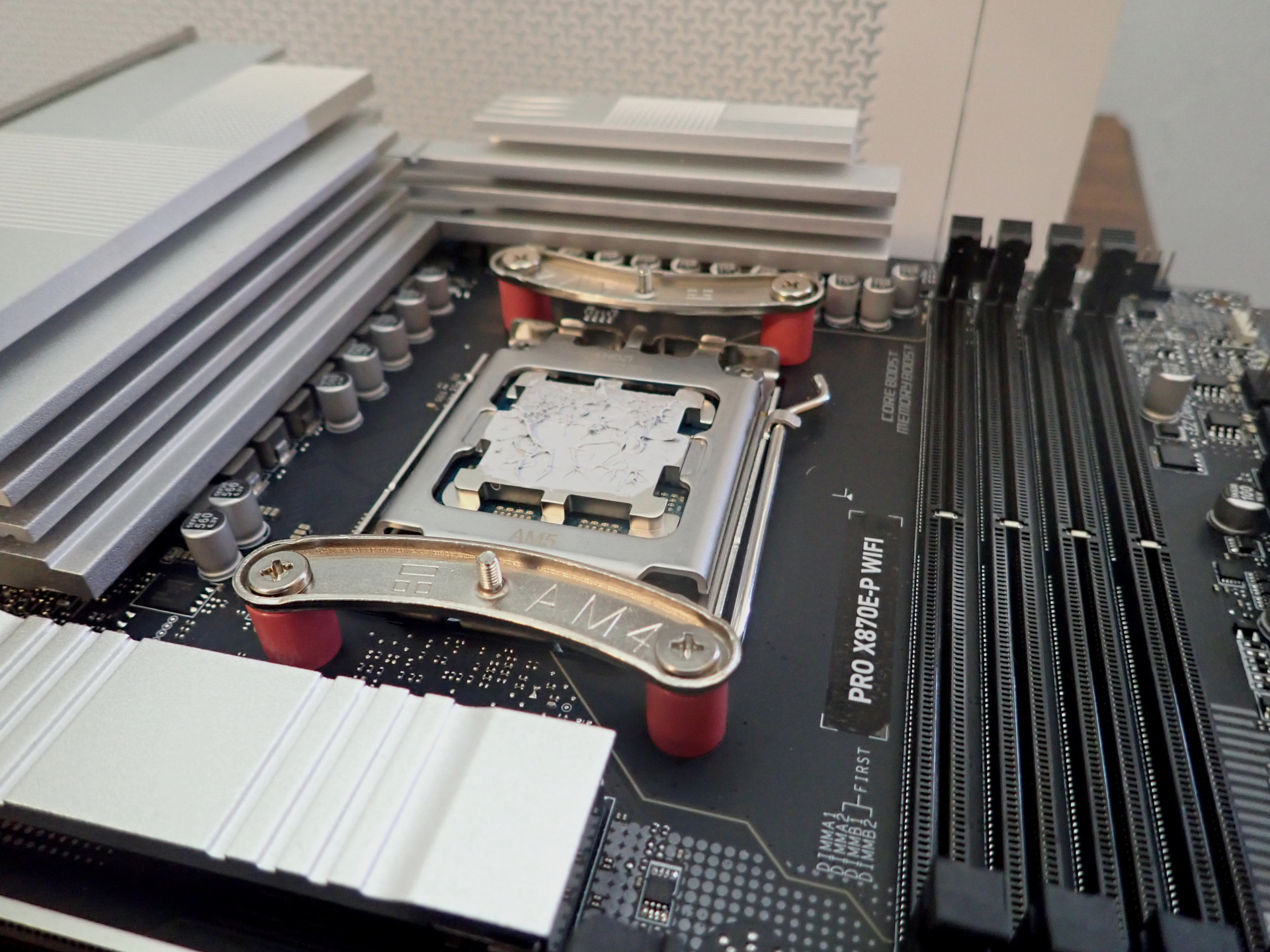
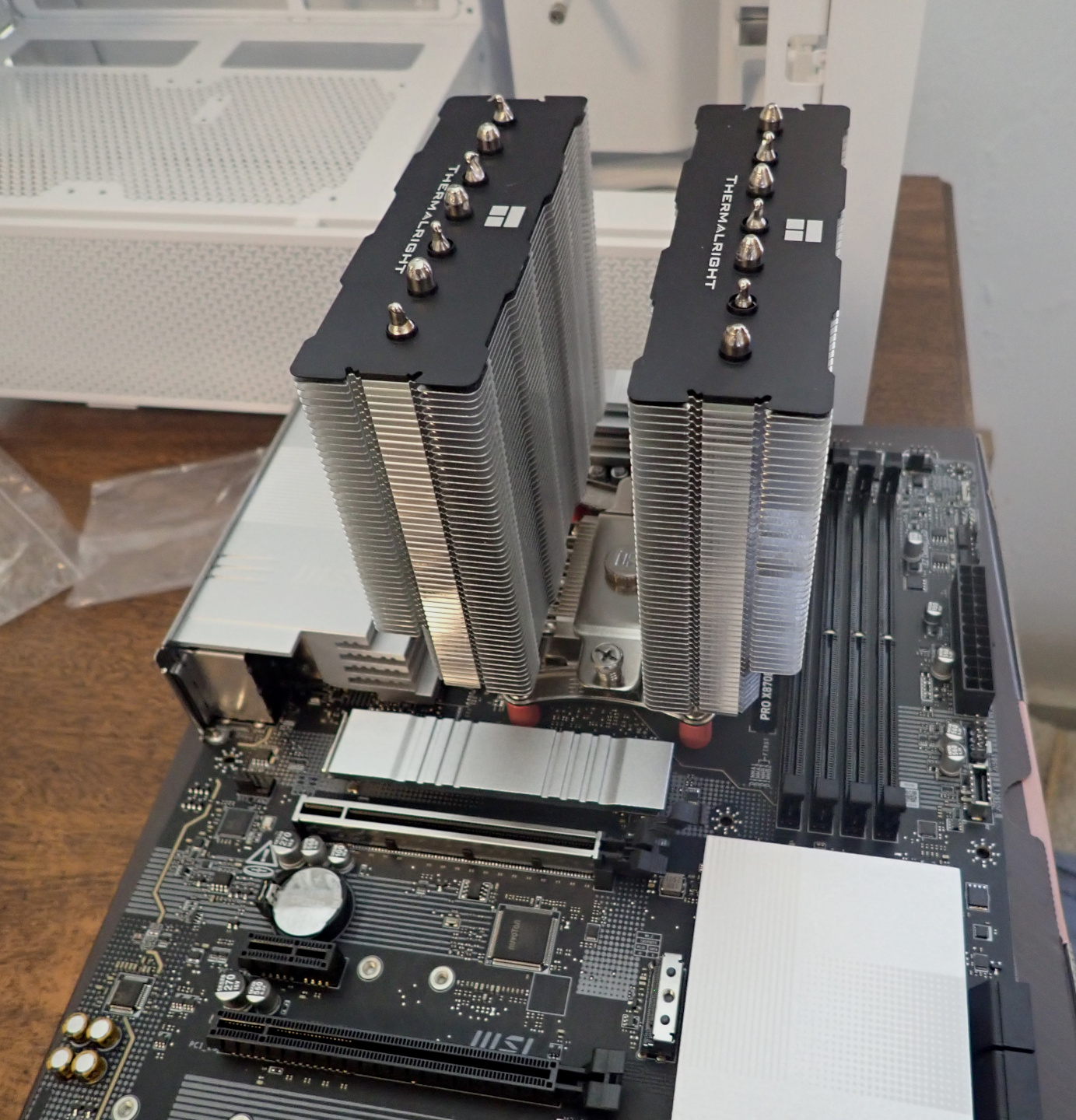
The bottom of the cooler and the top of the CPU will touch to coduct heat. Thermal paste is placed between them to fill tiny gaps and improve conduction. There is much debate about the correct way to apply paste. My method is to put some on the CPU. Then put the cooler on and remove it. Observe the spread paste and add a spot to any uncovered place.
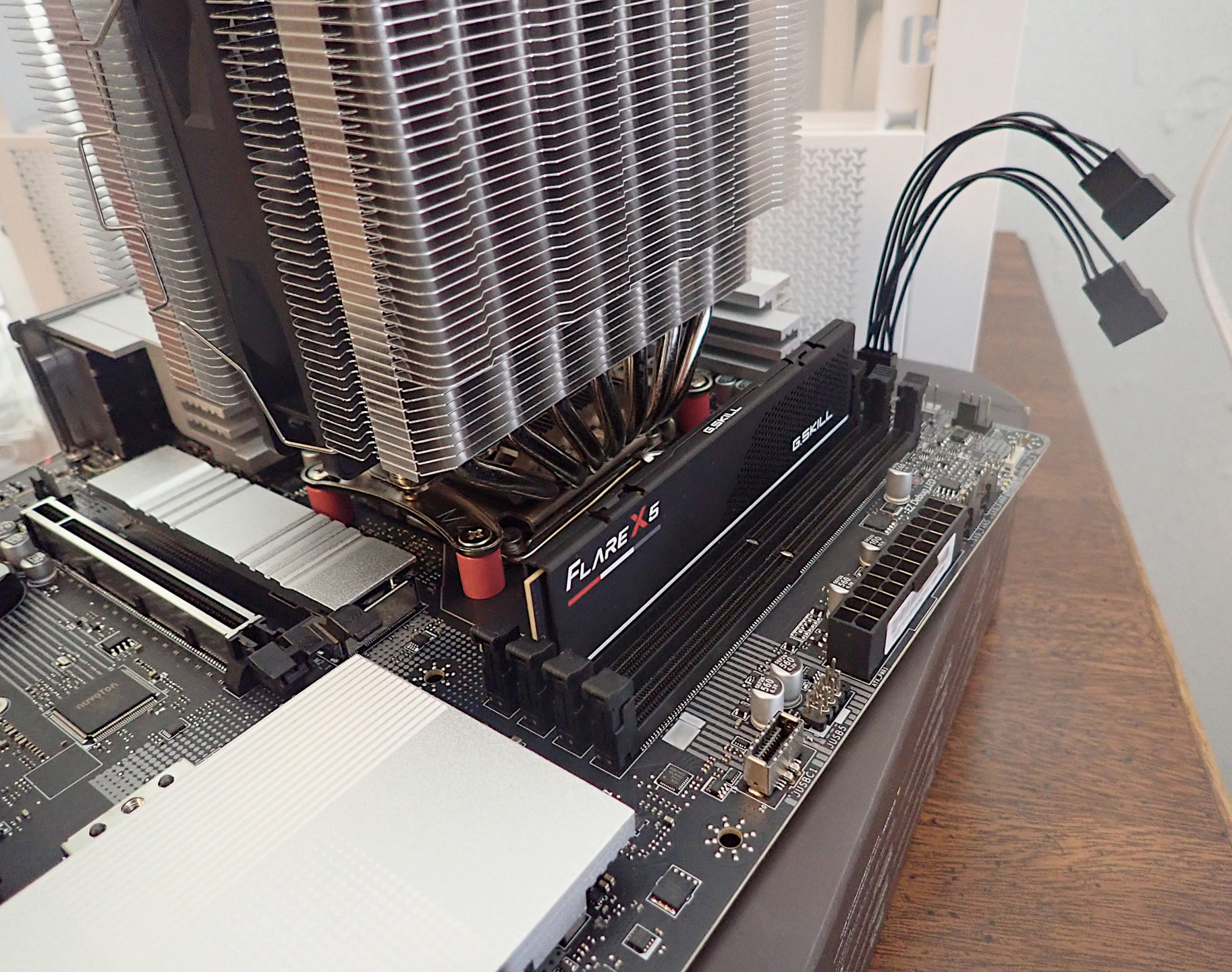
Memory in Slot |
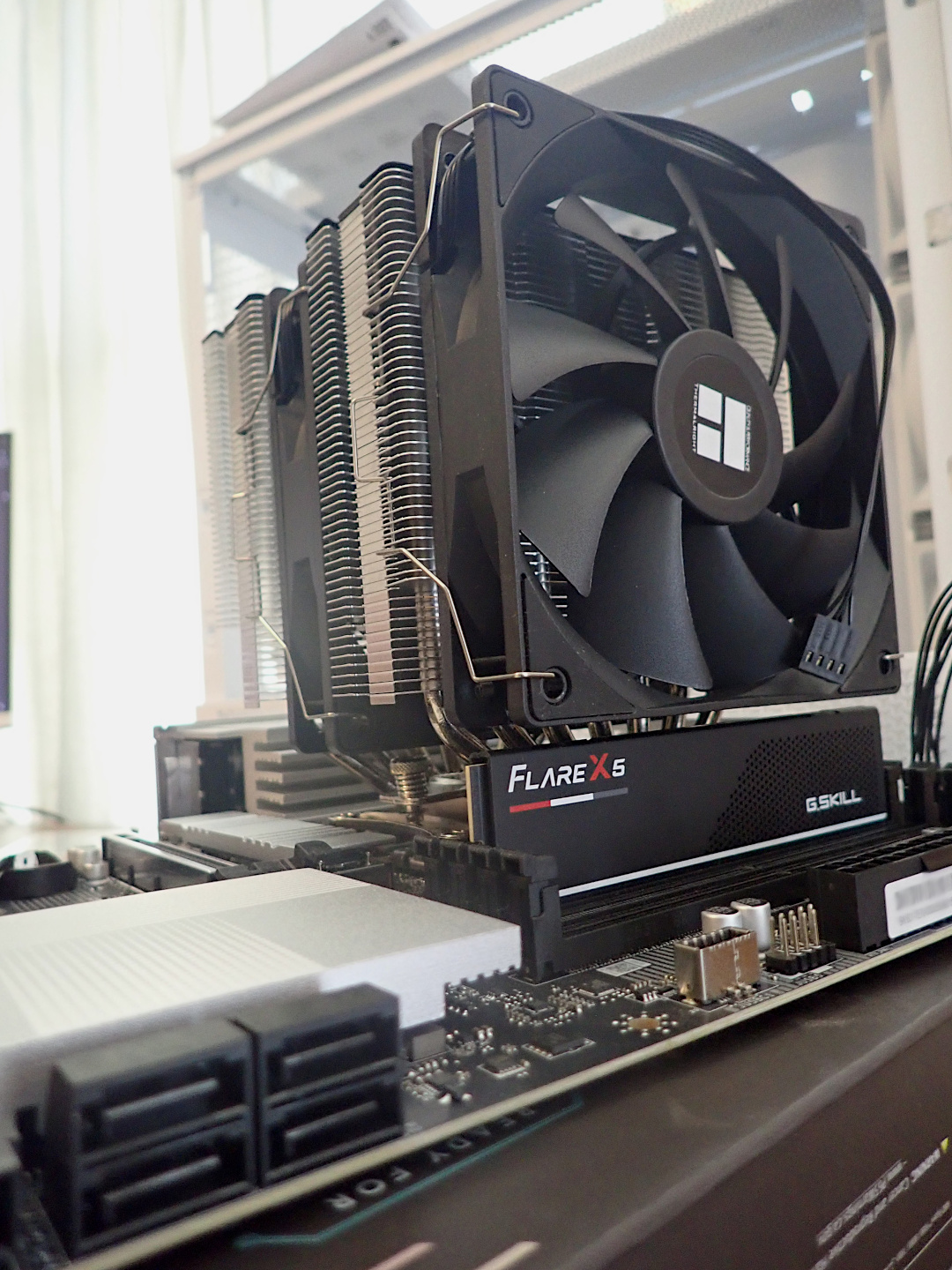
Fans Installed |
One fan would touch the top of the memory stick so I raised it some.
Mar. 31, 2026
Power Supply Installation
The power supply converts electricity from the house to various forms for the CPU, motherboard, fans, hard drive, GPU and other items.
|
Power Supply |
Plugged In |
Ready to Test |
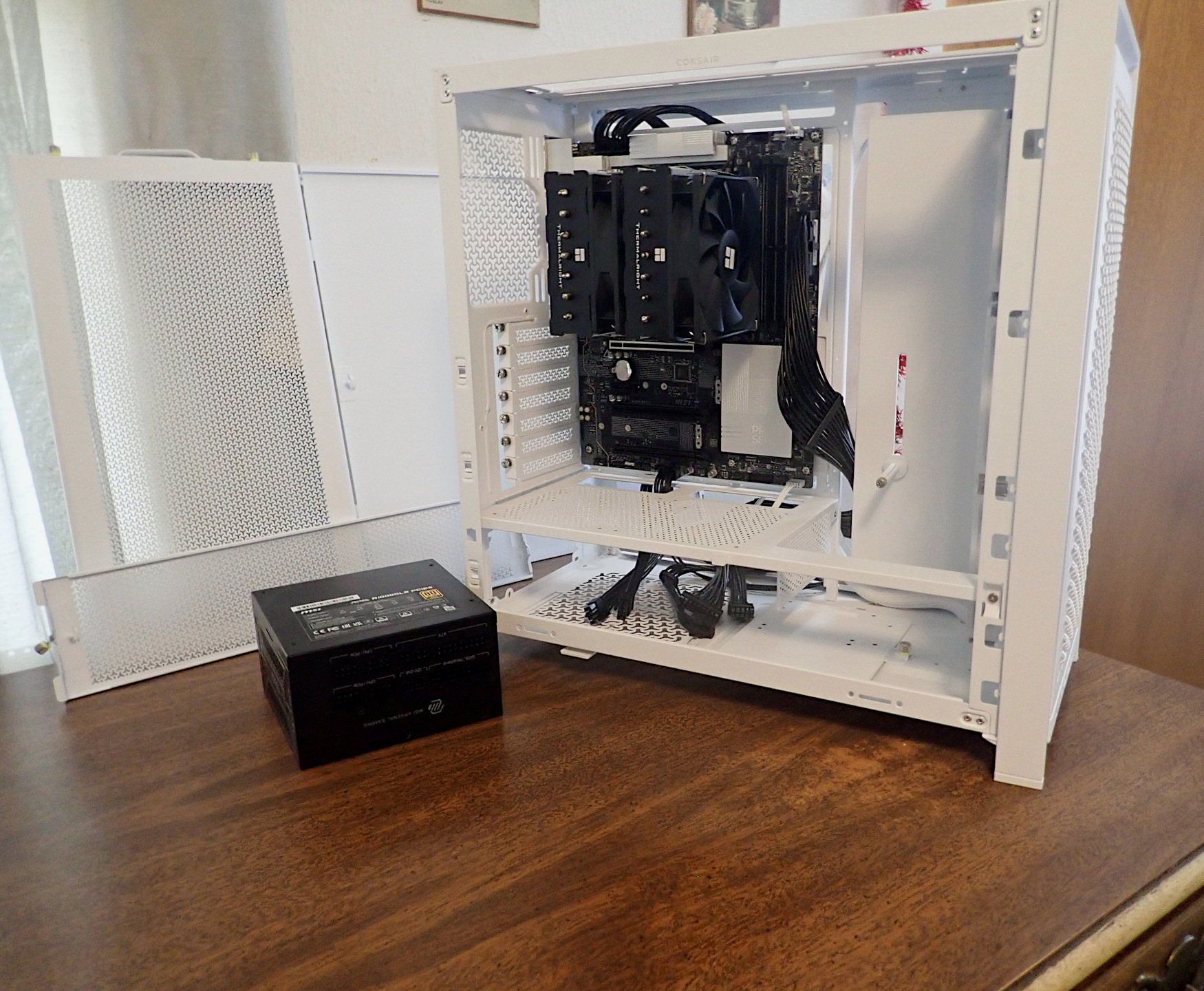
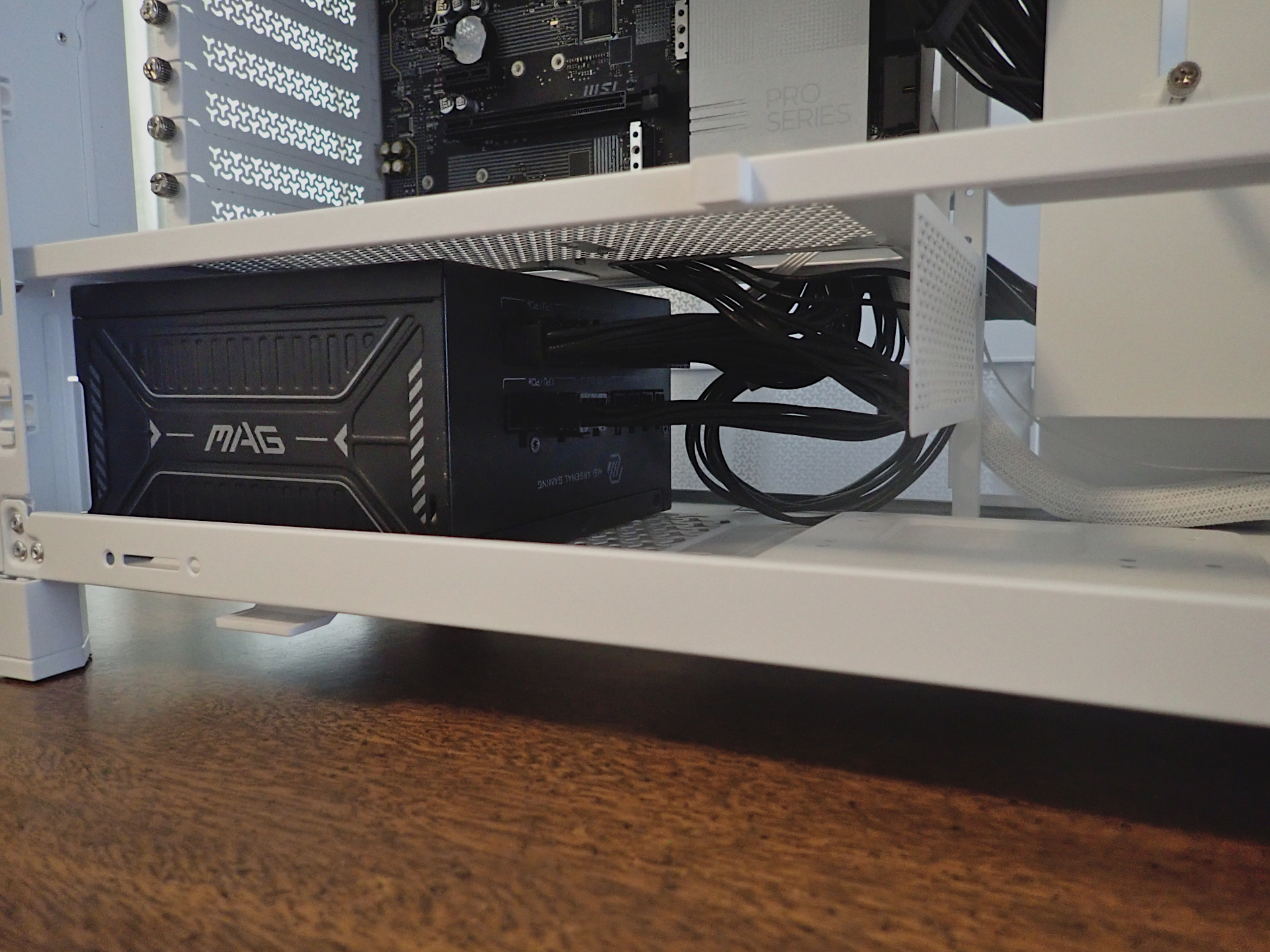
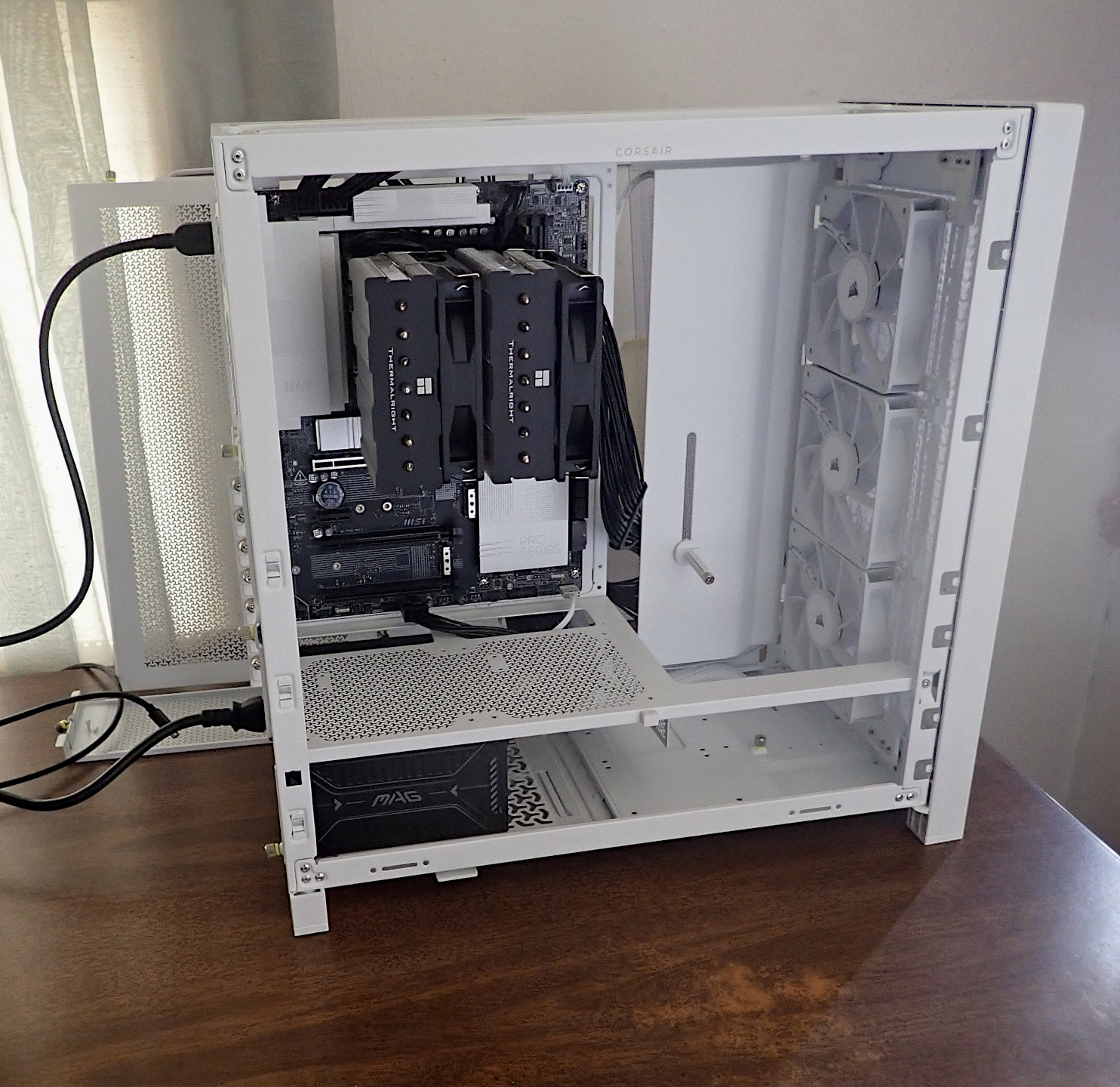
The supply goes on the bottom of the case. A fan inside pulls air from below and blows it out the back. Wires from the components are routed there and plugged in to it.
Main power cord and monitor plugged in.
Now it is time to turn it on!
Mar. 31, 2026
First Light!
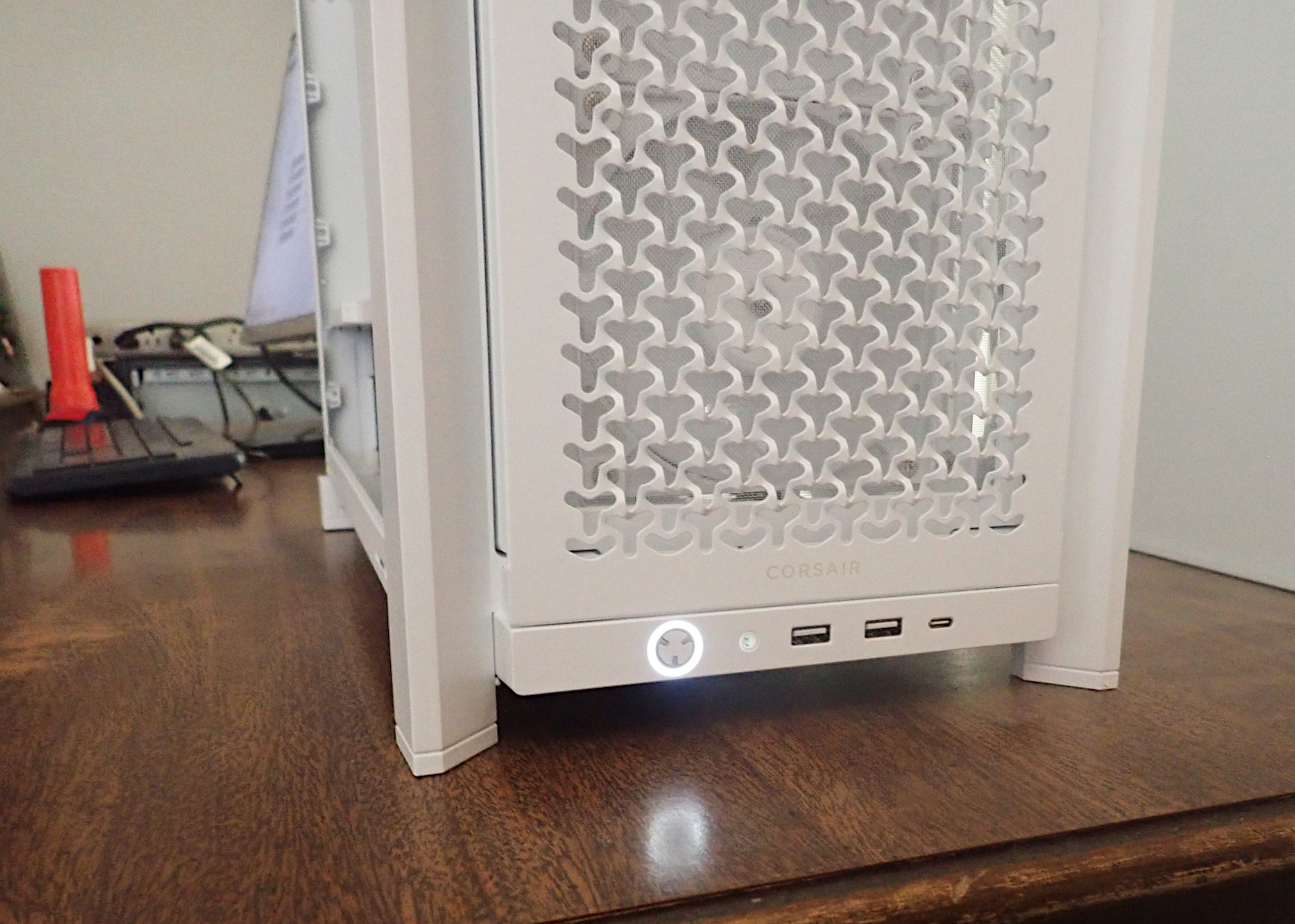
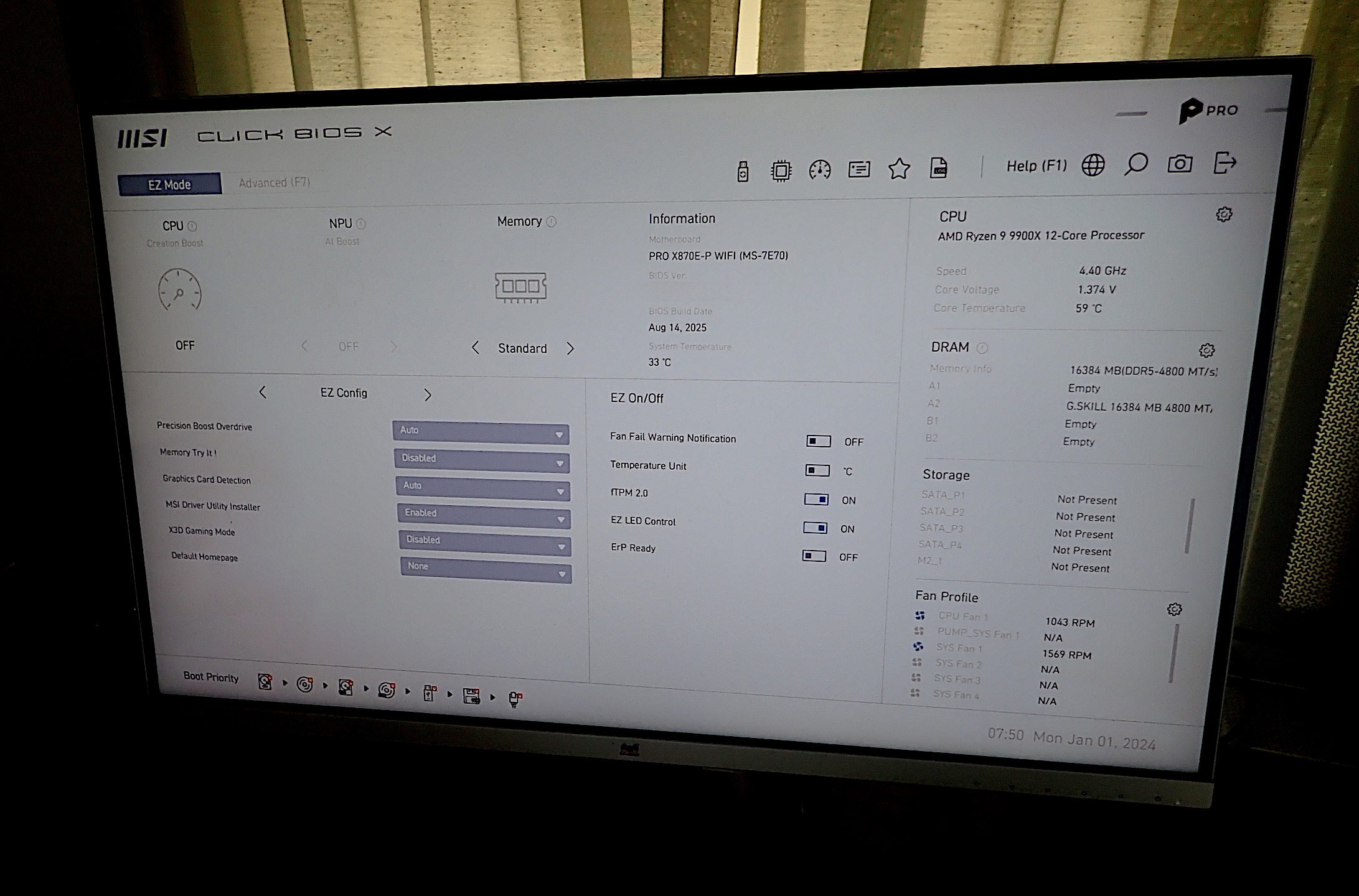
The BIOS started. Everything is normal.
Next is installing the hard drive and GPU. Then Linux and software.
..